
This is preview documentation. The official release is not yet available.
Interface tour
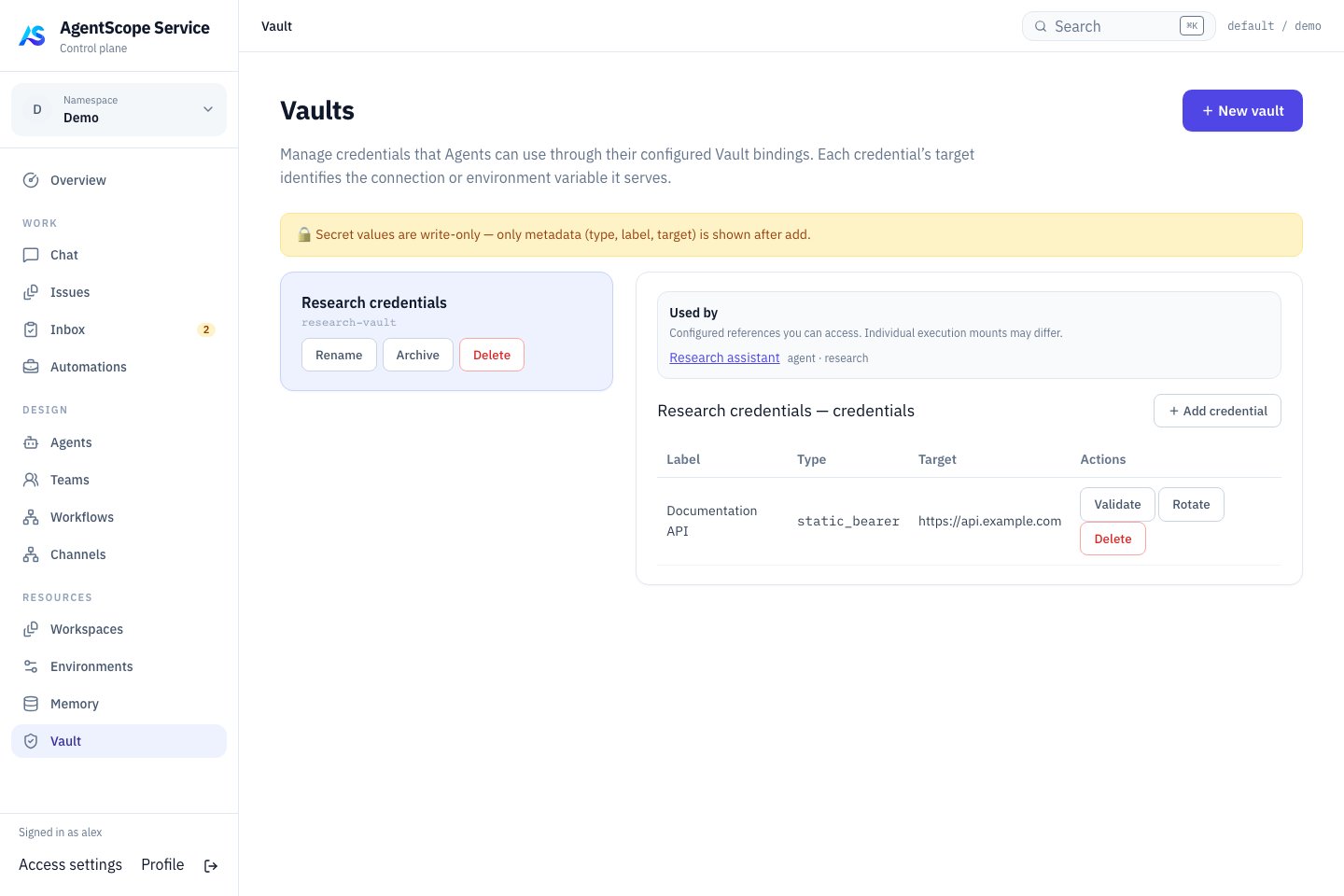
Current console UI with fixed demonstration data.
Configure a connection
Create a Vault and select Add credential. Choose the type and enter Label, Target and Secret. Bind the Vault to the Agent and configure its MCP tool. Verify authentication with a read-only call.
OAuth content requires
access_token and can include refresh information as needed. Saving a credential does not grant external permissions.
Bind credentials to a Managed Agent
Select a Vault in Runtime → Session defaults → Default vaults and save, settingdefaultVaultIds. Then configure the connection in Definition’s tool/MCP settings. Session API vaultIds can override the defaults: omission inherits bindings, while [] mounts no default Vault.
The API type values are static_bearer, mcp_oauth, environment_variable and api_key. The api_key type is generic storage; it does not automatically configure model authentication or inject into tools. Environment-variable credentials are not globally exported to the Dataplane or arbitrary Shell processes either.
For example, create an environment_variable credential with Target REPORTS_TOKEN and the external service’s token as Secret. Reference it explicitly in the MCP connection. This connection fragment uses a placeholder URL; replace it with your service endpoint:
mcpServers and select the matching HTTP transport. Start a new Chat and call a read-only tool. With static_bearer, instead set Target to reports or the full endpoint; the resolver supplies the Bearer header without this placeholder. Use one clear authentication method per connection to avoid competing credentials for the same target.