
This is preview documentation. The official release is not yet available.
AGENTS.md, skills, tools and subagent definitions. A Workspace is a resource, separate from an account Namespace and an execution’s temporary directory.
Interface tour
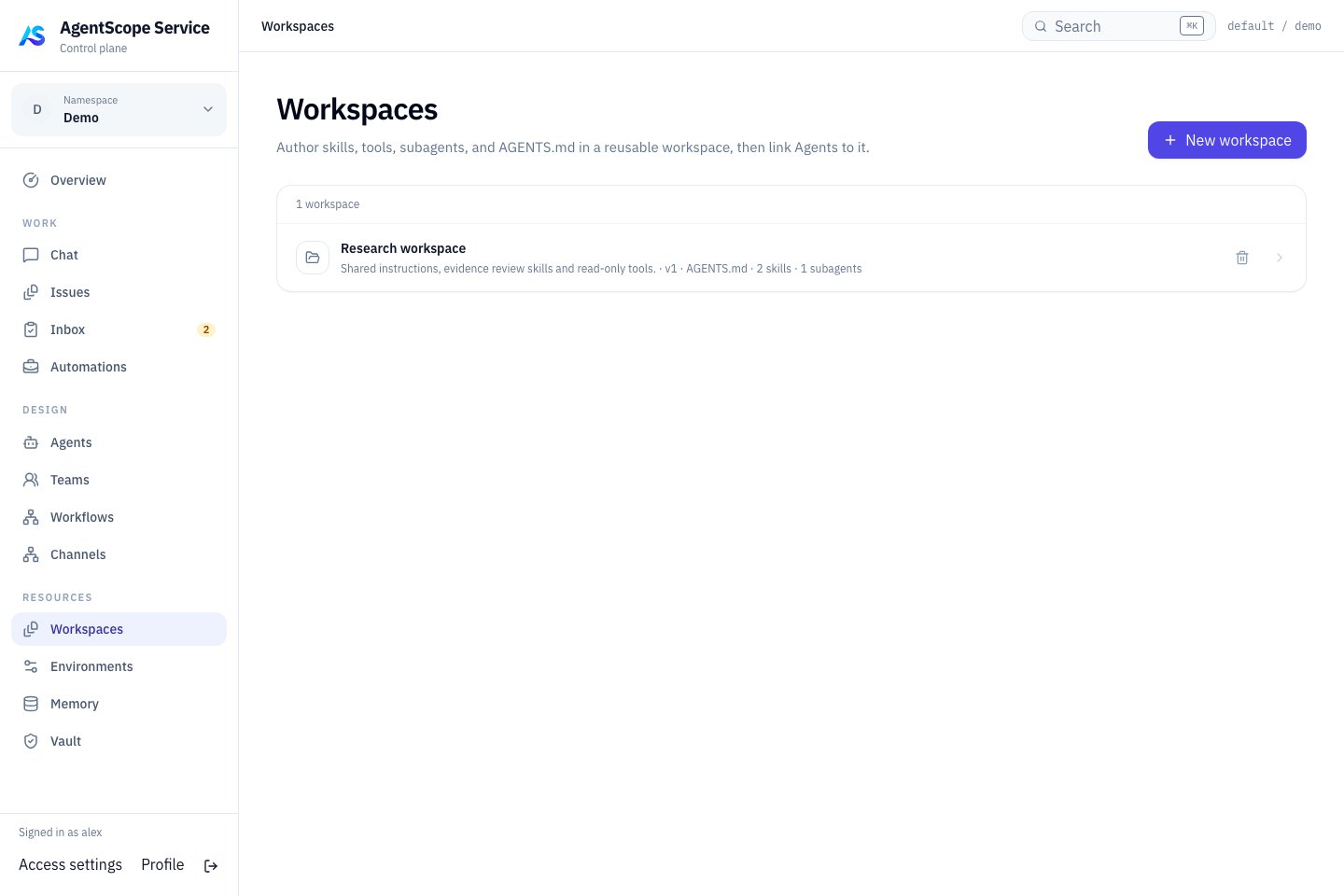
Current console UI with fixed demonstration data.
Create and link
Select New workspace, give it a recognizable name and maintain its guidance and capability files. Link it from an Agent’s Workspace page. Several Agents can reuse it. Start with conciseAGENTS.md guidance before adding capabilities:
Bind a version to a Managed Agent
- Open a Managed Agent in DESIGN → Agents and select its Workspace in settings. The link is stored in
workspaceId; changing it publishes and binds the selected Workspace draft. - Use Definition → Workspace to select an existing published revision or adjust inheritance.
workspaceBindingrecords the revision, overrides and additional instructions. - Save and start a new Chat. Ask for an observable convention, such as separate Sources and Open Questions, then verify a selected Skill or tool.
Choose the right content
Use Memory for shared knowledge and Vault for secrets. Reference credentials explicitly in tool connections instead of storing plaintext.