
This is preview documentation. The official release is not yet available.
Choose an integration path
- Managed Agent: create a cloud Agent in the console, then configure its model and resources.
- AgentScope framework: register your own deployed application as an External Agent; task execution requires the corresponding adapter support.
- Hosted: connect Runtime Host and select an installed, authenticated Coding Agent provider.
Interface tour
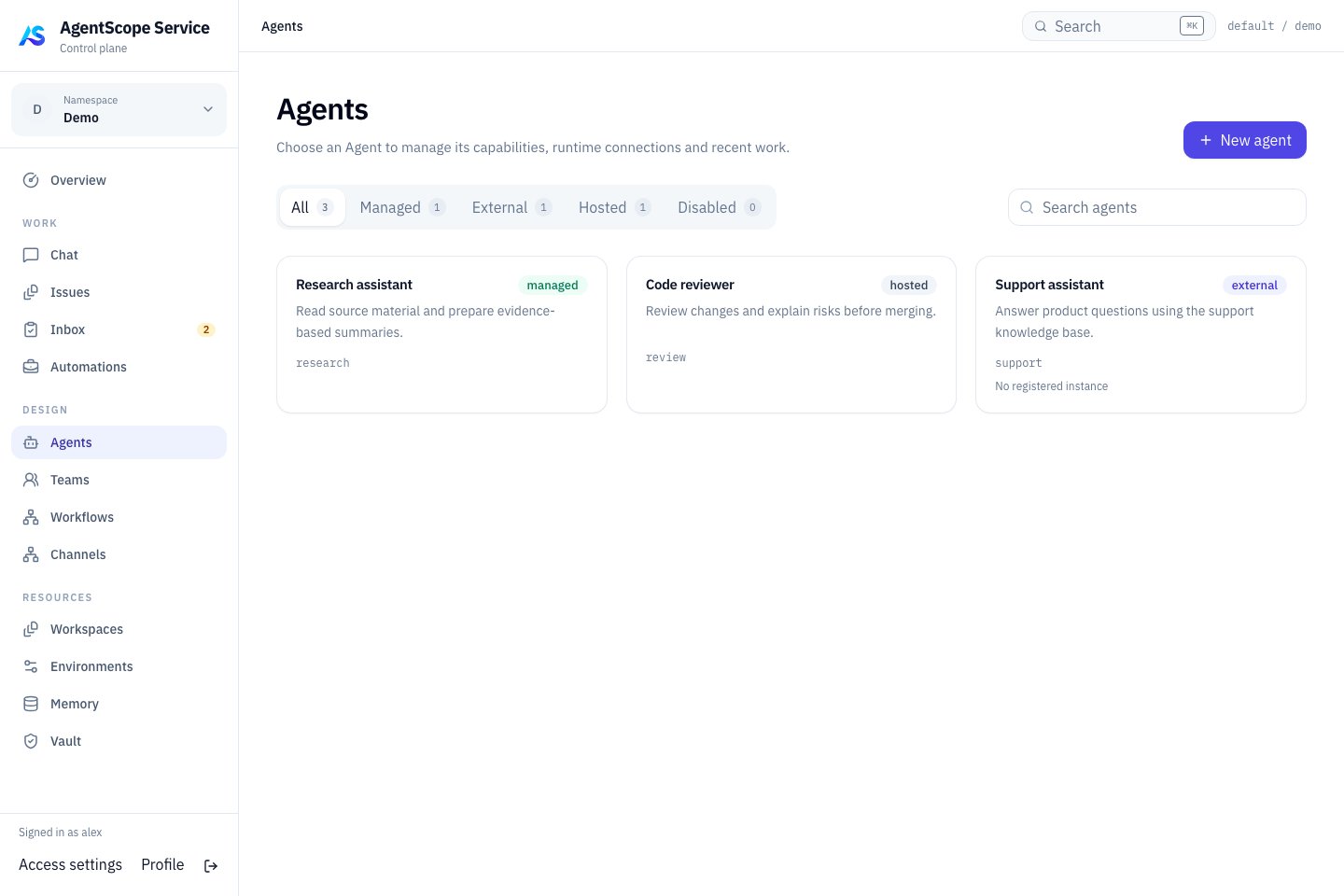
Current console UI with fixed demonstration data.
Choose an execution type
The work entry points are shared, but models, tools, recovery and configuration projection differ. Catalog visibility does not guarantee every conversation or dispatch capability. See the dedicated Managed, Hosted and External guides.
Create an Agent
- Start creation and enter its name, purpose and Instructions.
- Link a Workspace when it should reuse operating guidance, skills, tools or subagent definitions.
- Explicitly choose Runtime under Execution. An online Hosted provider may be selected initially; choose AgentScope Managed for a Managed Agent.
- Leave Model empty for the runtime default, or enter a model identifier supported by that provider.
- For Managed Agents, choose an Environment in Advanced settings. The automatic local default requires administrator permission for Local execution.
- Select Create & open agent, then review the resulting configuration.